

Giving
Generosity Creed
We bring nothing into this world and we take nothing out of it. We who call Jesus Lord, devote ourselves to resisting greed which plunges the human heart into ruin, and pierces it with many griefs. We are determined to practice generosity with free hearts, fixing our hope on God and not the uncertainty of wealth. We desire to be rich in good deeds and willing to share all that we have, laying up for ourselves treasure that will not decay but will shine in the age to come.
(based on 1 Timothy 6:6, 6:7,6:9, 6:17, 6:18, Matt 6:20)
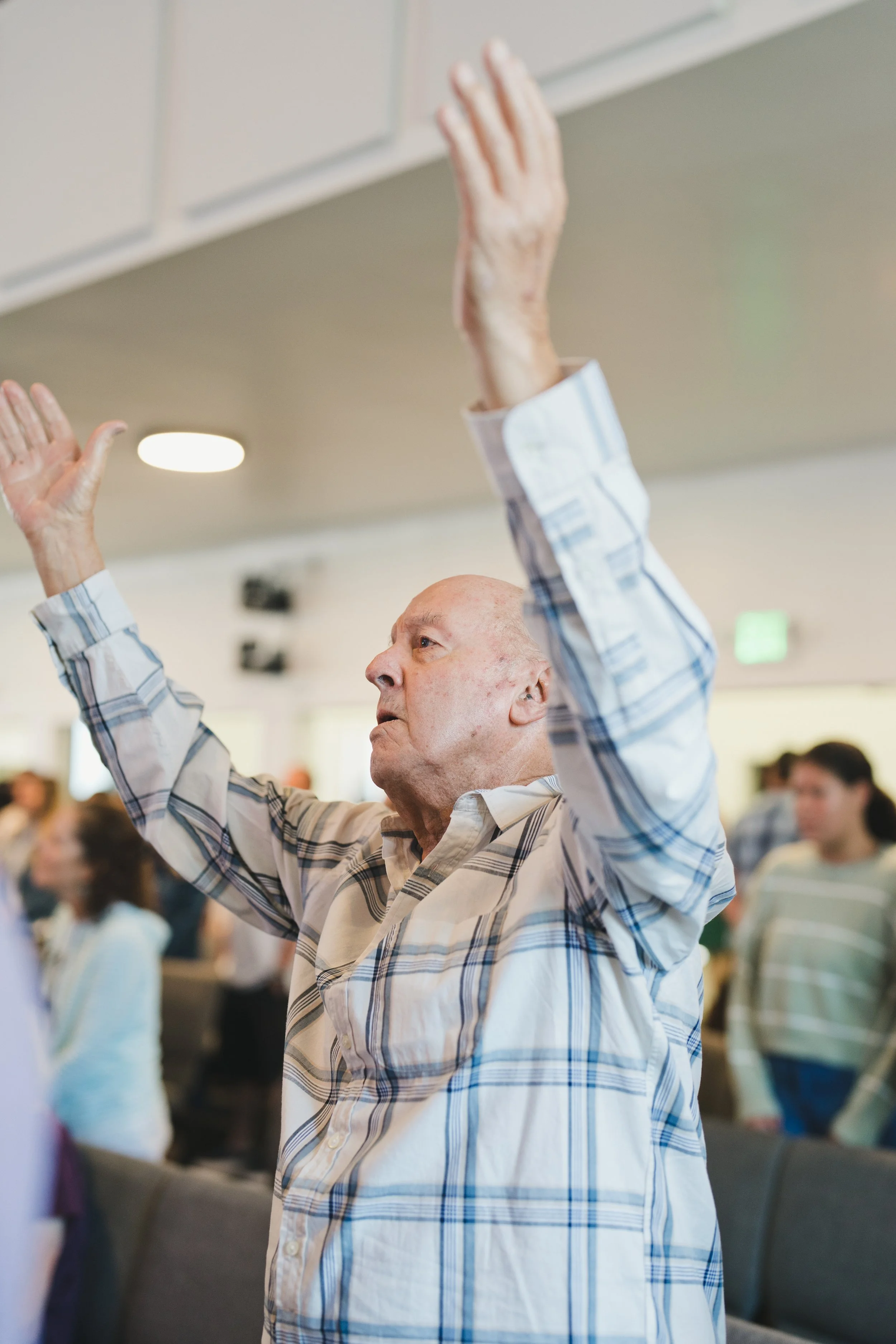
Making generosity a part of your worship
Generosity is one of the ways we participate together in what God is doing through our church. As you consider the remainder of this year, would you prayerfully consider your own generosity? Whether you're giving for the first time, continuing a regular practice of giving as worship, or are able to make an additional year-end gift, thank you for owning the ministry of our church together.
More Ways to Give
If you are looking for a different way to give, there are other options listed below. If you are new to the ChurchCenter app or would like to set up a reoccurring donation, you can find step by step instructions along with an FAQ below.
Stock and Other Gifts

We accept stock, trust, and other gift types. If you would like to make a gift to Calvary and aren’t sure how to go about it, send us an email and we’ll walk you through the process.
Mail a Check
You can mail a personal check to:
Calvary Church
16330 Los Gatos Blvd.
Los Gatos, Ca. 95032
Access Your Donation History Online or in App
You can access your donation history on your My Giving page online or in the Church Center App. You will be required to enter your mobile phone number or email address to login. For more help, you can find step by step instructions along with an FAQ below.
Where does your giving go?
And what does it make possible?
Calvary's ministry is fully funded by the generosity of those who call our church home. Every dollar given to the General Fund supports the people, places, and ministry that make our experiences together possible. We hope this overview provides a closer look at where those resources go.
Each year, we prayerfully consider how our resources can help accomplish Calvary's mission. The General Fund reflects those priorities; investing in renewing, rebuilding, and belonging, along with the people, operations, and infrastructure that make that ministry possible.
The General Fund is distinct from some of the other funds that are available. Gifts to areas like Global Ministry, Benevolence, and most recently the Campus Project, are limited to those purposes and do not contribute to the General Fund.
How Generosity Equates To Ministry
These totals represent the full cost of each area of ministry, including staff compensation, programming, resources, and related expenses.
$3.3M GENERAL FUND BUDGET 2026
$1.9M Received / $1.4M Needed*
*as of October 1, 2026
REBUILDING
$855,416 — 26% of the General Fund
Investing in kids, students, and families as we equip the next generation to discover their place in the Kingdom of God. We continually pursue creative and innovative ways to partner with what God is already doing to make Los Gatos look more like Heaven.
RENEWING
$936,961 — 28% of the General Fund
Investing in crafting experiences and practices that help people worship God, become more like Jesus, and bring his compassion into our community and world.
BELONGING
$696,539 — 21% of the General Fund
Investing in opportunities for people to move from attending Calvary to being known, connected, and part of the family. We want Calvary to feel like home, a family where there's a place prepared for you.
SUSTAINING
$810,230 — 25% of the General Fund
Healthy ministry requires healthy infrastructure. We invest in the people, spaces, technology, and systems that allow Calvary to steward our resources well, care for our campus, communicate clearly, and support ministry every day.
-
Click Church Center Web
Click Log In in the menu to login or create a new account
Enter the Amount of your donation
Select the Fund where you would like your donation directed
To split your donation, use the “Add Donation” button to enter another Amount and Fund
Select the Frequency of your donation
Enter a Payment Method
Set up a Credit/Debit Card
Set up a Bank Transfer (ACH) – Please read following instructions
When using your bank account to give for the first time with Church Center Web, you must verify that you own the bank account. Depending on your bank, one of two verification processes will be used. This process will require you to login to Church Center to access your profile. Just follow the on-screen instructions.
1. Instant Verification: Bank accounts are verified using your login credentials for your bank's website. Most banks support instant verification, and there's no waiting time.
2. Manual (Micro-Deposit) Verification: For banks that don't support instant verification, manual verification will verify the account using a $0.01 ACH micro-deposit. This process generally takes 2-3 days since you must verify the account by entering the SM-code attached to the micro-deposit you receive
Text-To-Give is currently not an option for recurring donations.
You also have the option to cover the processing fee Calvary Church is charged to accept electronic payment methods.
For those with an existing recurring donation through PayPal, Text-To-Give, or a Bank Transfer, please see notes below.
If your current recurring donation is through PayPal or Text-To-Give/Kindrid, please terminate it.
If your current recurring donation is through a Bank Transfer (ACH) on our previous platform, please email Kristi Gill at kgill@calvarylg.com to request termination.
-
Yes, there is an app! Download here and login.
-
You can access your giving history on your My Giving page online or in the Church Center App. You will be required to enter your mobile phone number or email address to login.
-
Access Church Center on the web and click Log In in the menu to receive a verification code to login to your giving profile which includes your giving history and payment methods.
-
To have visibility to your spouse’s giving history requires Calvary to “join”, or connect, your accounts in Church Center Giving. To request to have your donor account joined, please complete our Joint Donor Request form.
-
Yes, Calvary Church pays a processing fee anytime a credit/debit card or bank transfer is used to give. Bank transfers are 30 cents per transfer regardless of the gift amount. Credit/debit card fees are a percentage of the gift amount. You will have the option to pay the processing fees on behalf of Calvary when you submit your gift.
-
Currently, we do not offer text-to-give through Church Center.
-
You will need to request to have your annual statement mailed to you since the entirety of your annual giving will be visible to you alone in Church Center and you will be able to download a statement directly from Church Center.
-
Yes! In the Church Center app, you would look for the “Notifications” link in your profile and select “Giving” to view your options. From there, you can turn off emailed giving notifications or send to a different email address. In Church Center on the web, click Log In in the menu then open your profile using the account icon in the top right. Scroll down and select “My giving”, then select “Notifications” in the left-hand margin to change your options.
Frequently Asked Questions and Giving Instructions

Thank You for Your Generosity
Your gift is used to support ministry, community care, and outreach locally and globally. By partnering in what God is doing through the church, you’re making a difference.